UniFi home security system: cameras, SuperLink sensors, sirens and alarm
Pick the console, record on a Dream Machine SE, cover the doors and driveway with G6 cameras, add SuperLink sensors and sirens, then arm, alert and back it up.
Parts associated
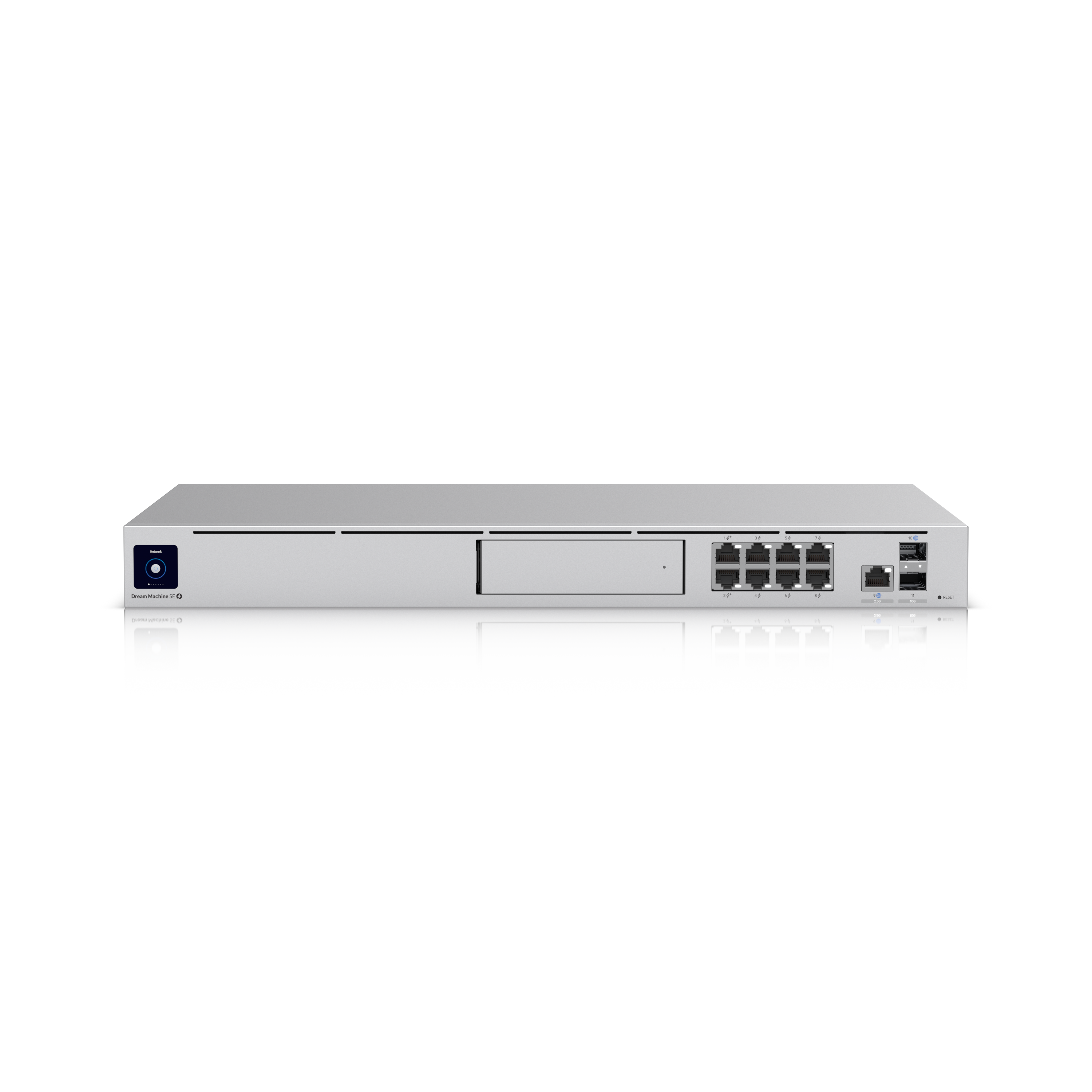 Ubiquiti UDM-SEDream Machine Special EditionView part
 Ubiquiti UACC-HDD-E-8TBEnterprise 3.5" HDD, 8 TBView part
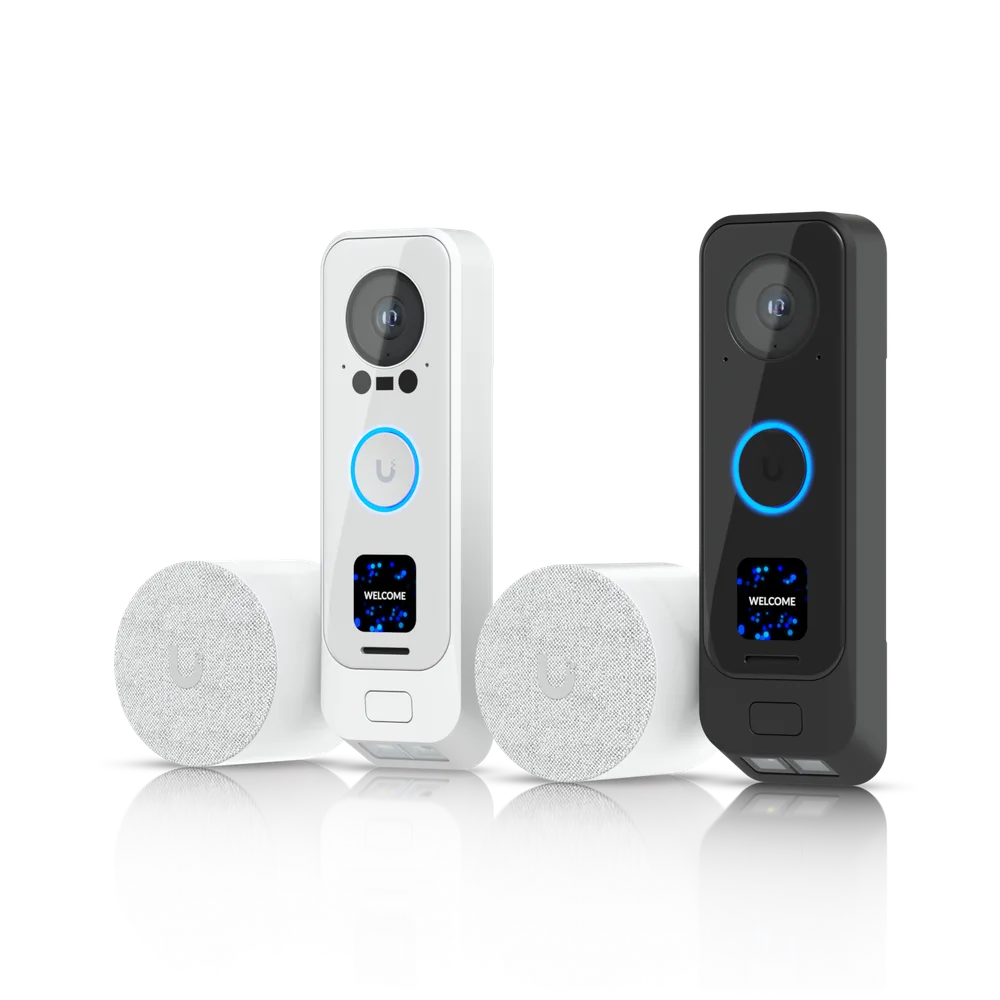 Ubiquiti UVC-G4 Doorbell Pro PoE KitG4 Doorbell Pro PoE KitView part
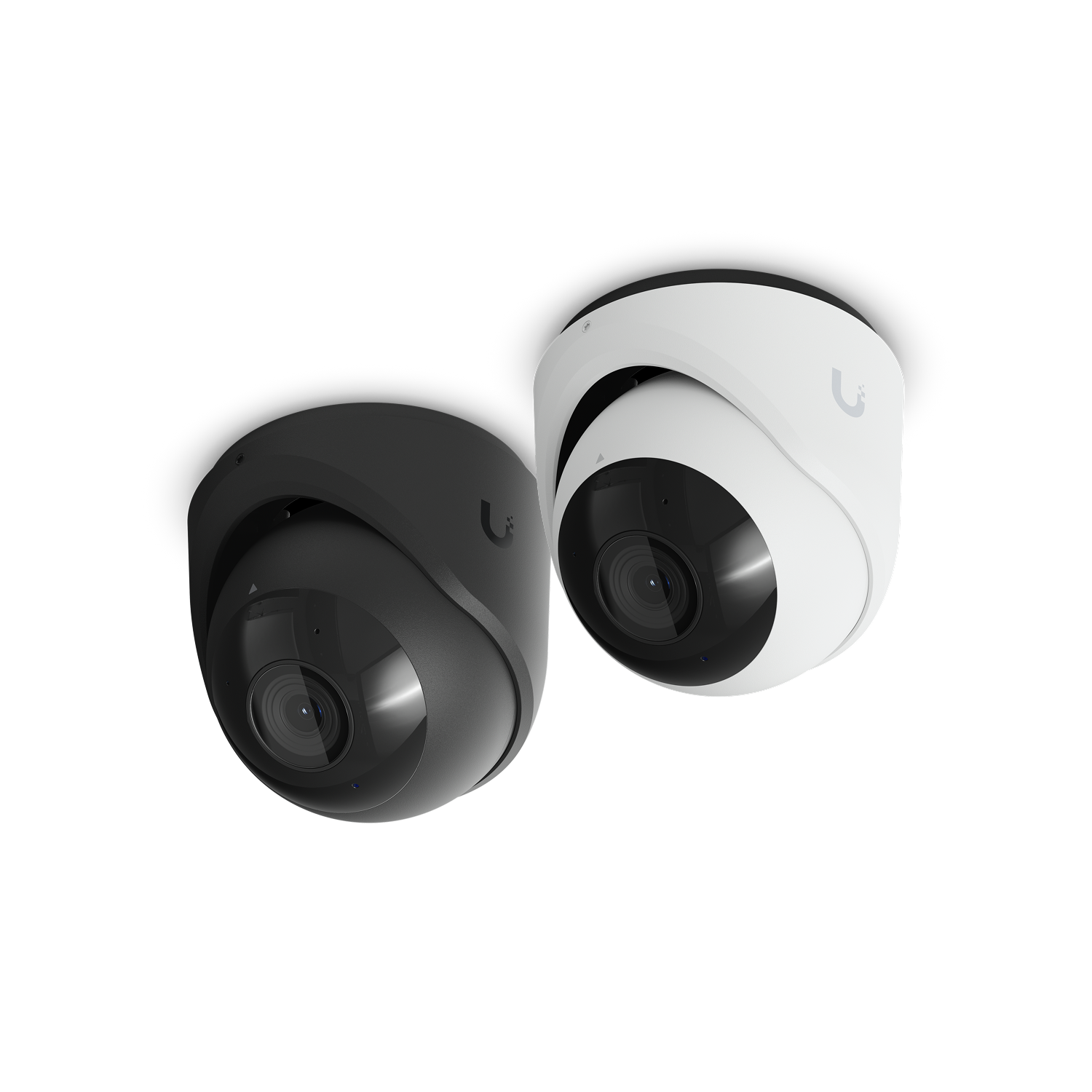 Ubiquiti UVC-G6-TurretCamera G6 TurretView part
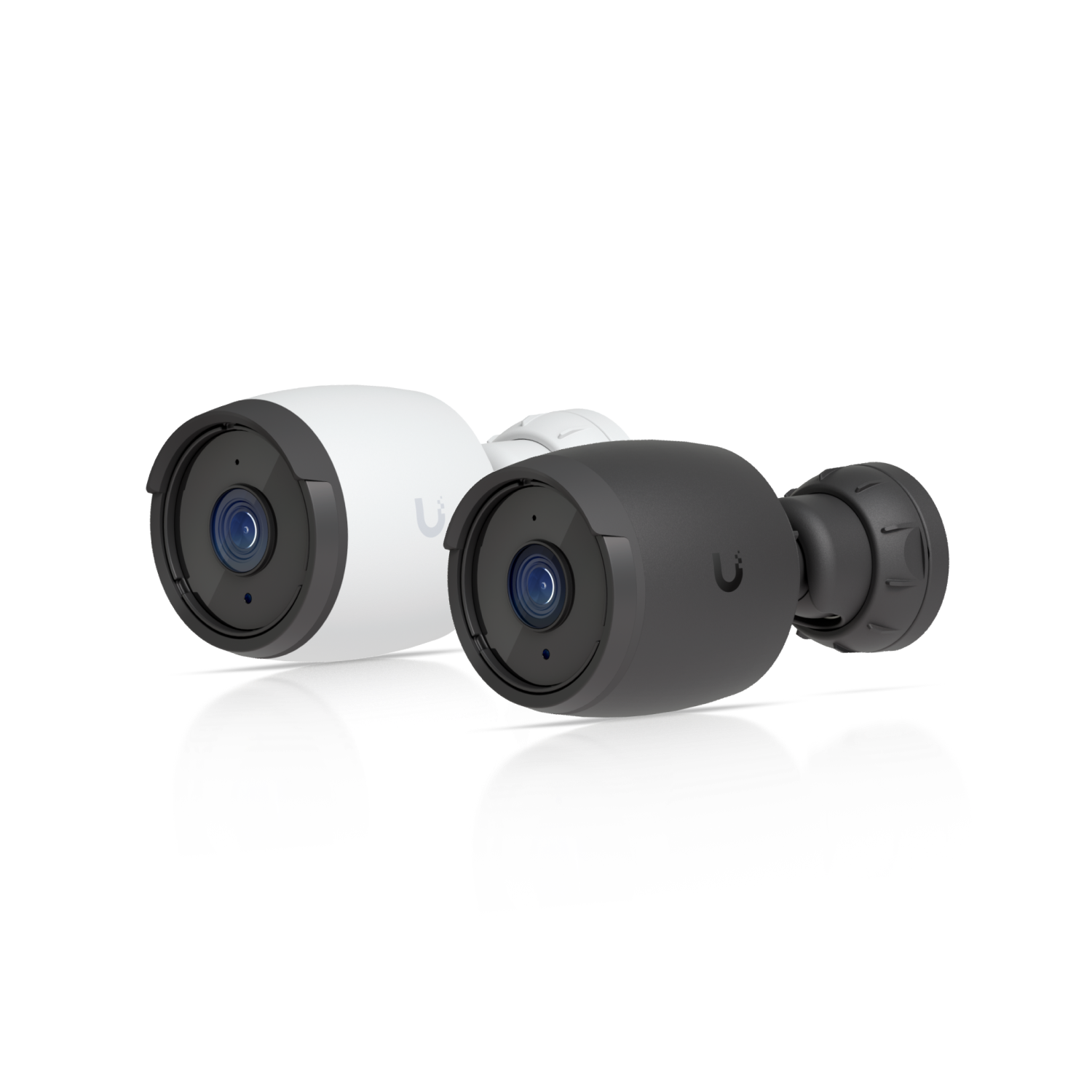 Ubiquiti UVC-G6-BulletCamera G6 BulletView part
 Ubiquiti UP-FloodLightProtect FloodlightView part
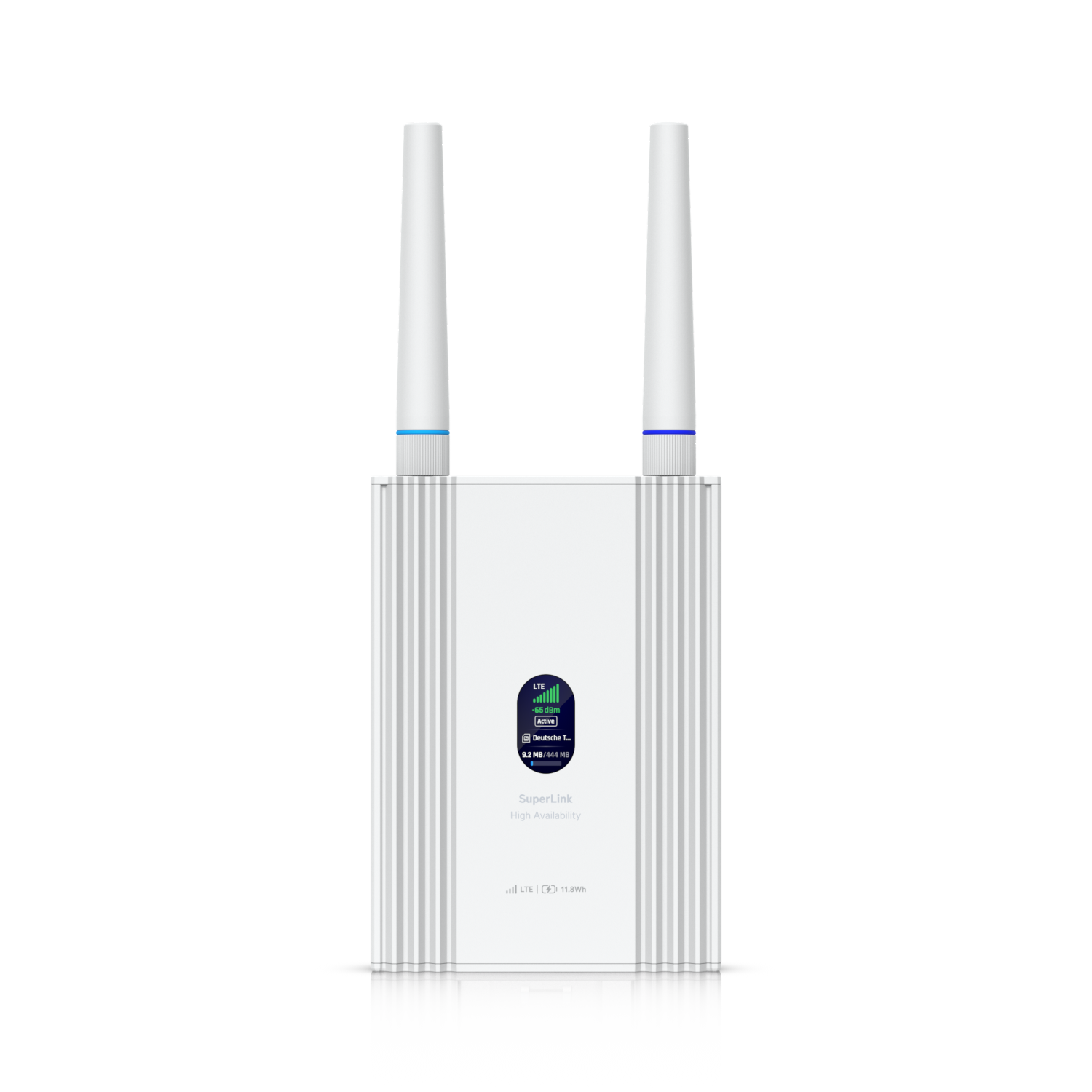 Ubiquiti USL-G2-Gateway-HASuperLink Gateway HAView part
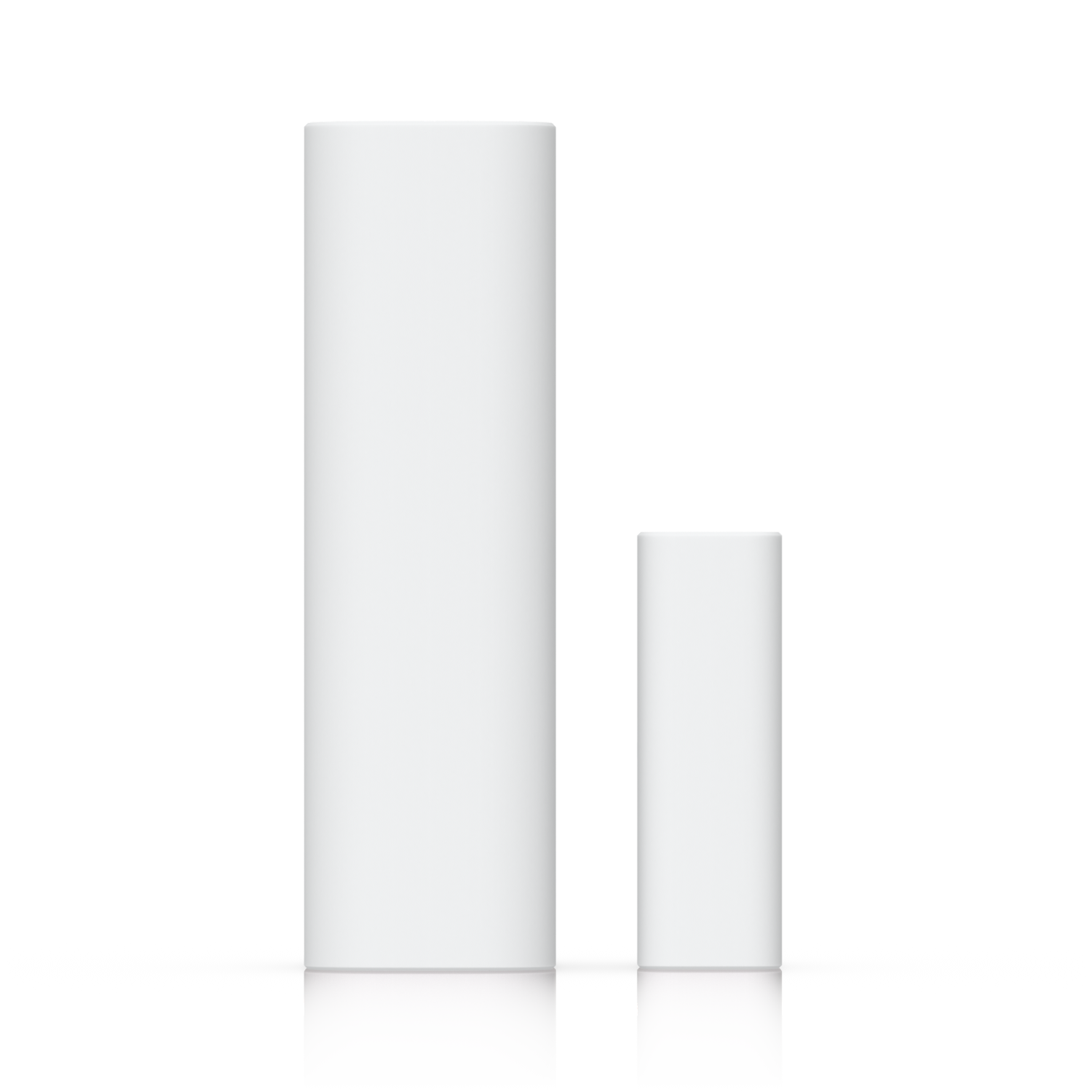 Ubiquiti USL-EntryEntry SensorView part
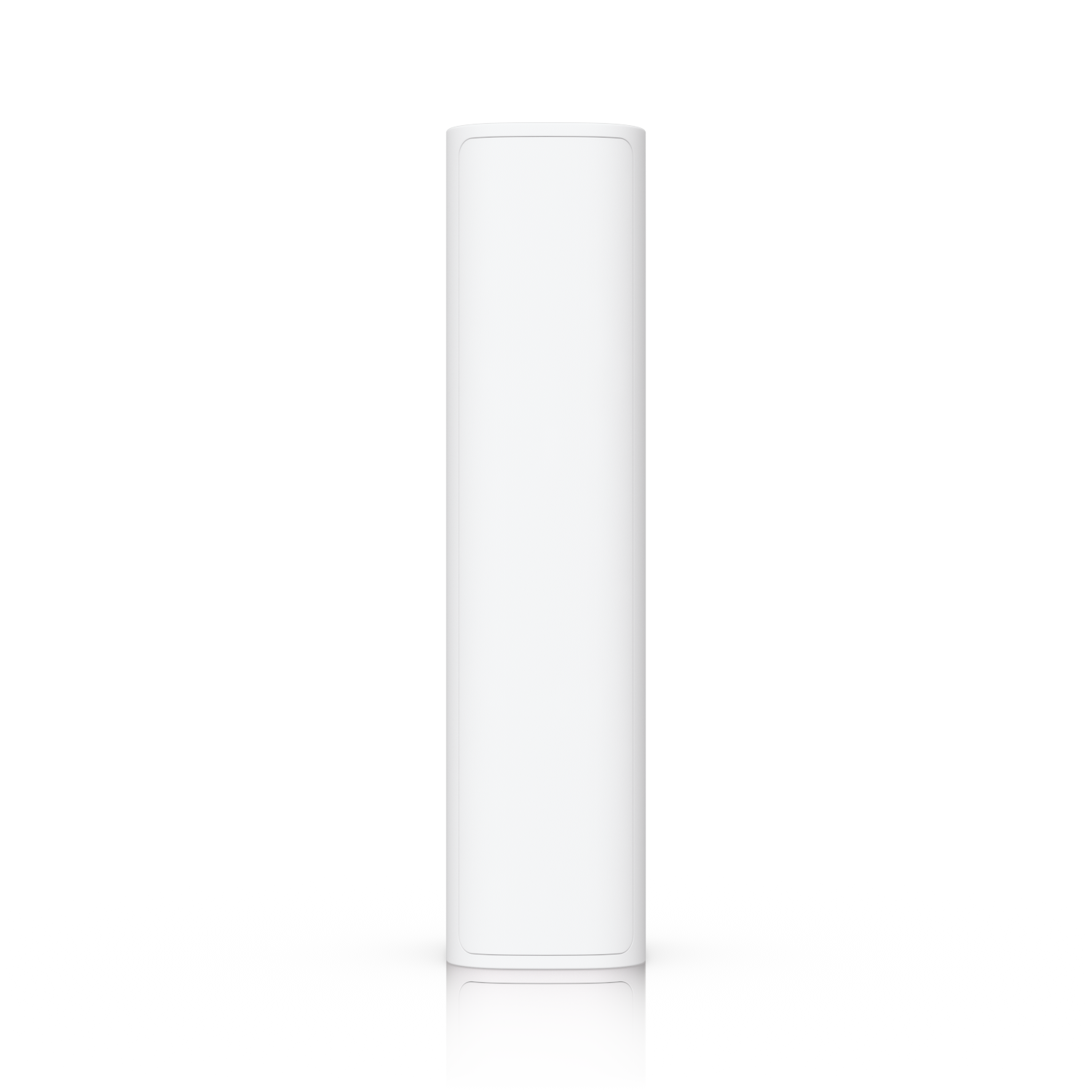 Ubiquiti USL-MotionMotion SensorView part
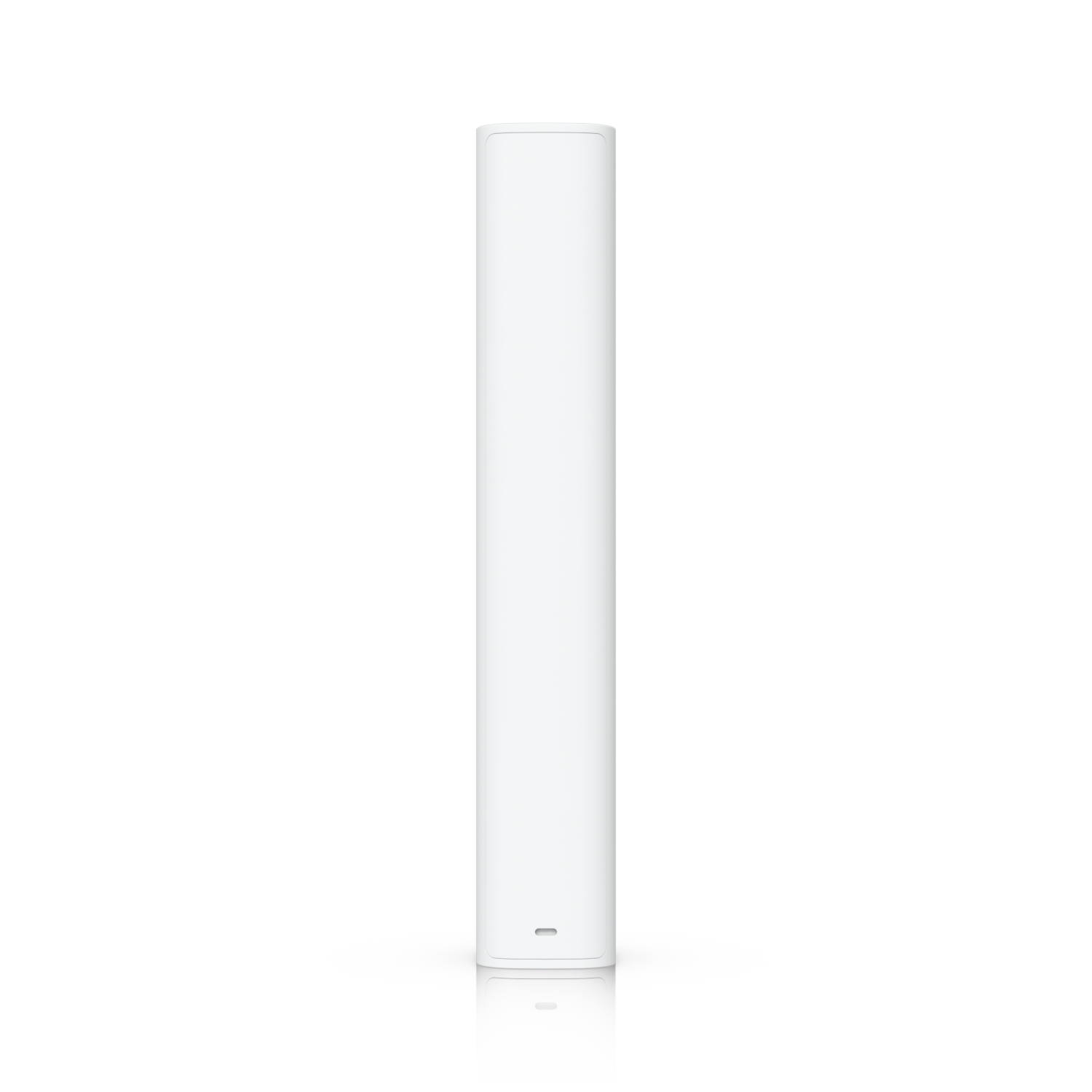 Ubiquiti USL-GlassBreakGlass Break SensorView part
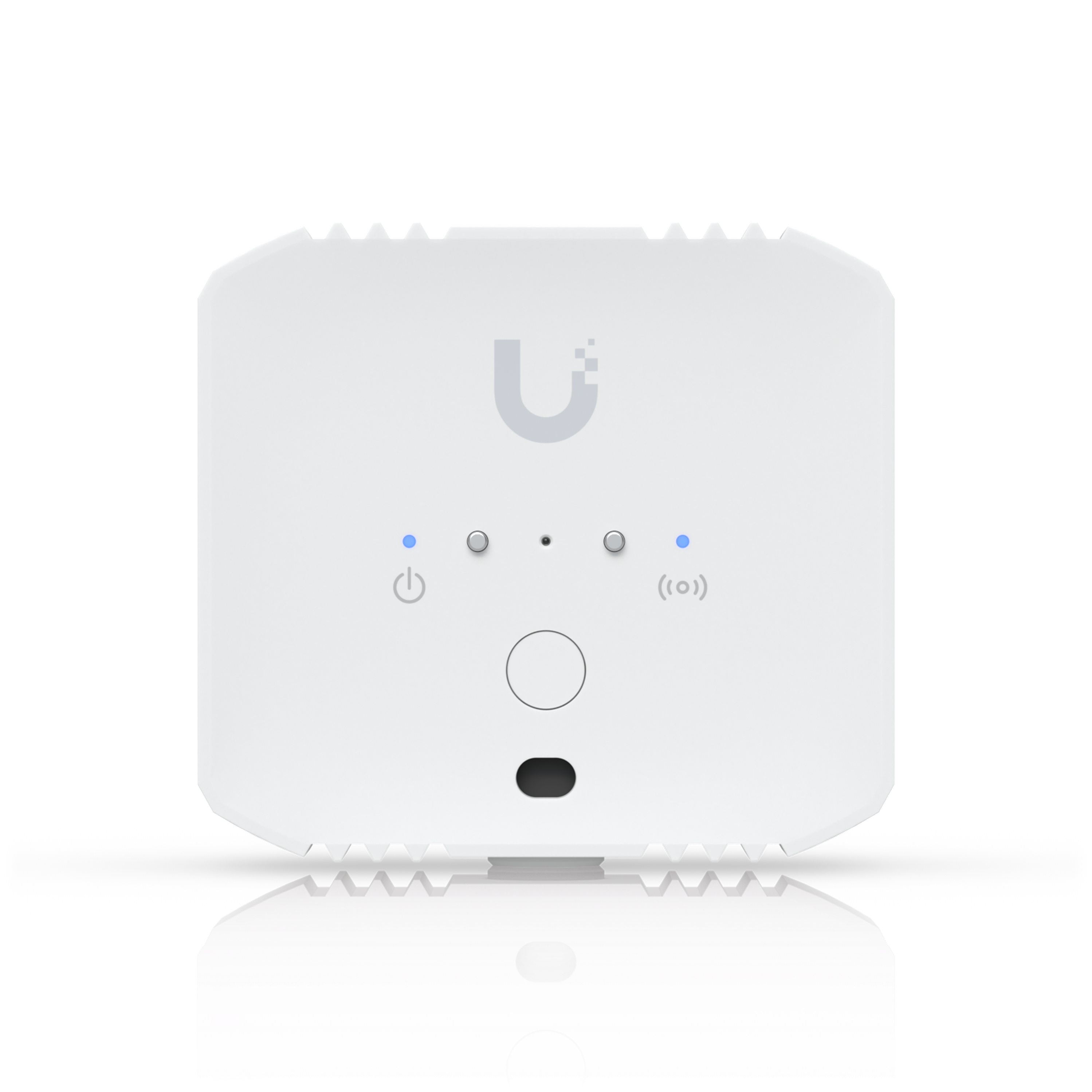 Ubiquiti USL-EnvironmentalEnvironmental SensorView part
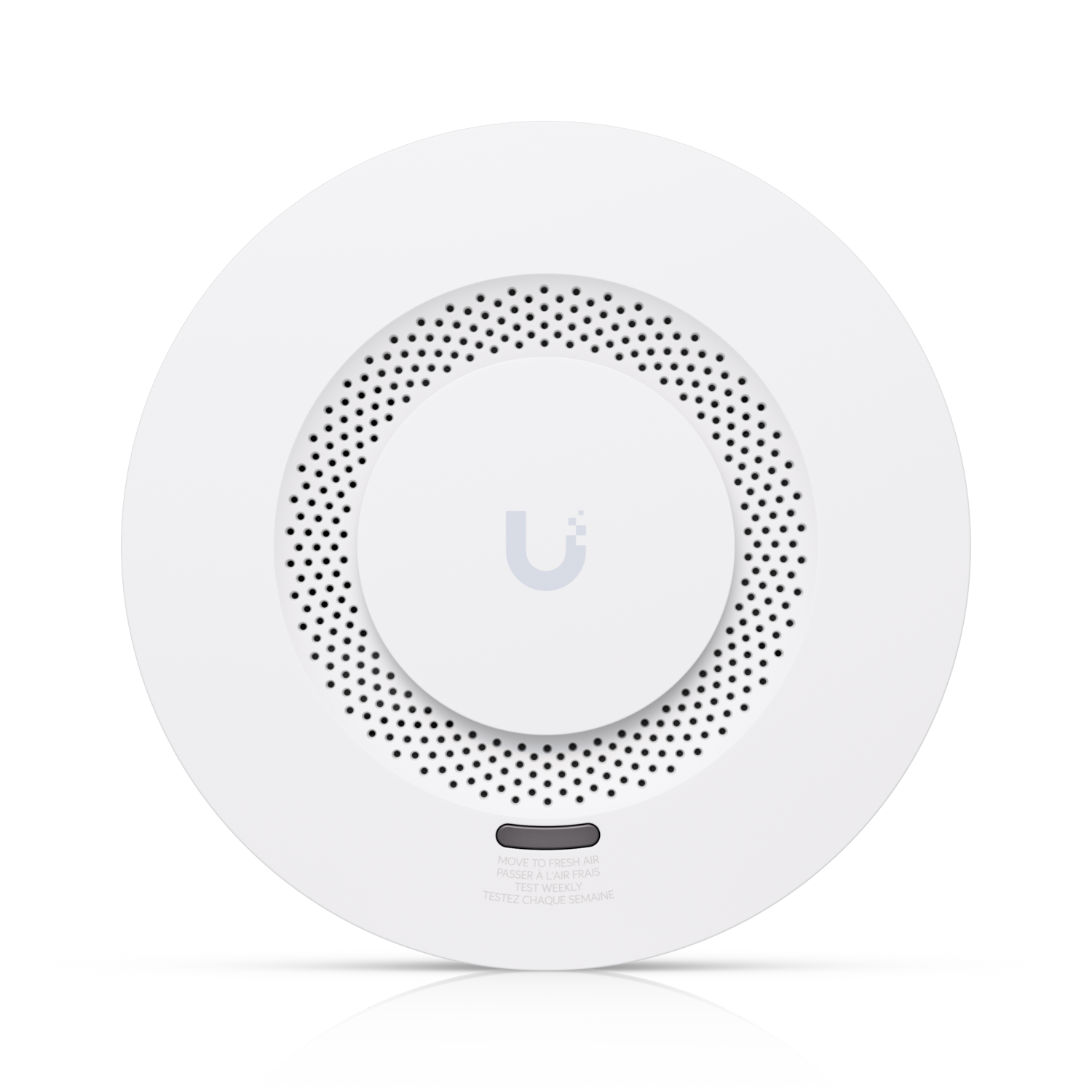 Ubiquiti USL-SmokeSmoke and CO AlarmView part
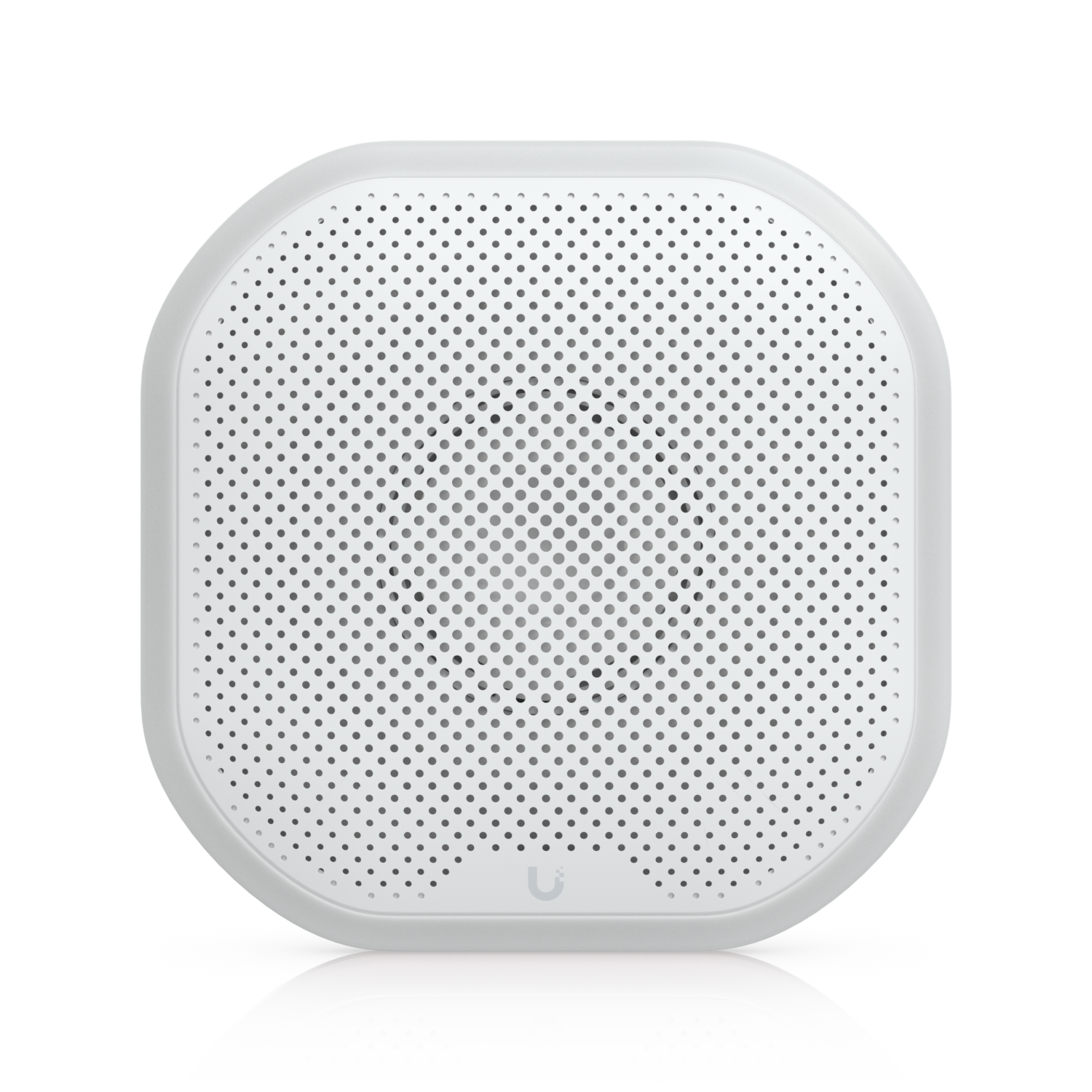 Ubiquiti USL-SirenSirenView part
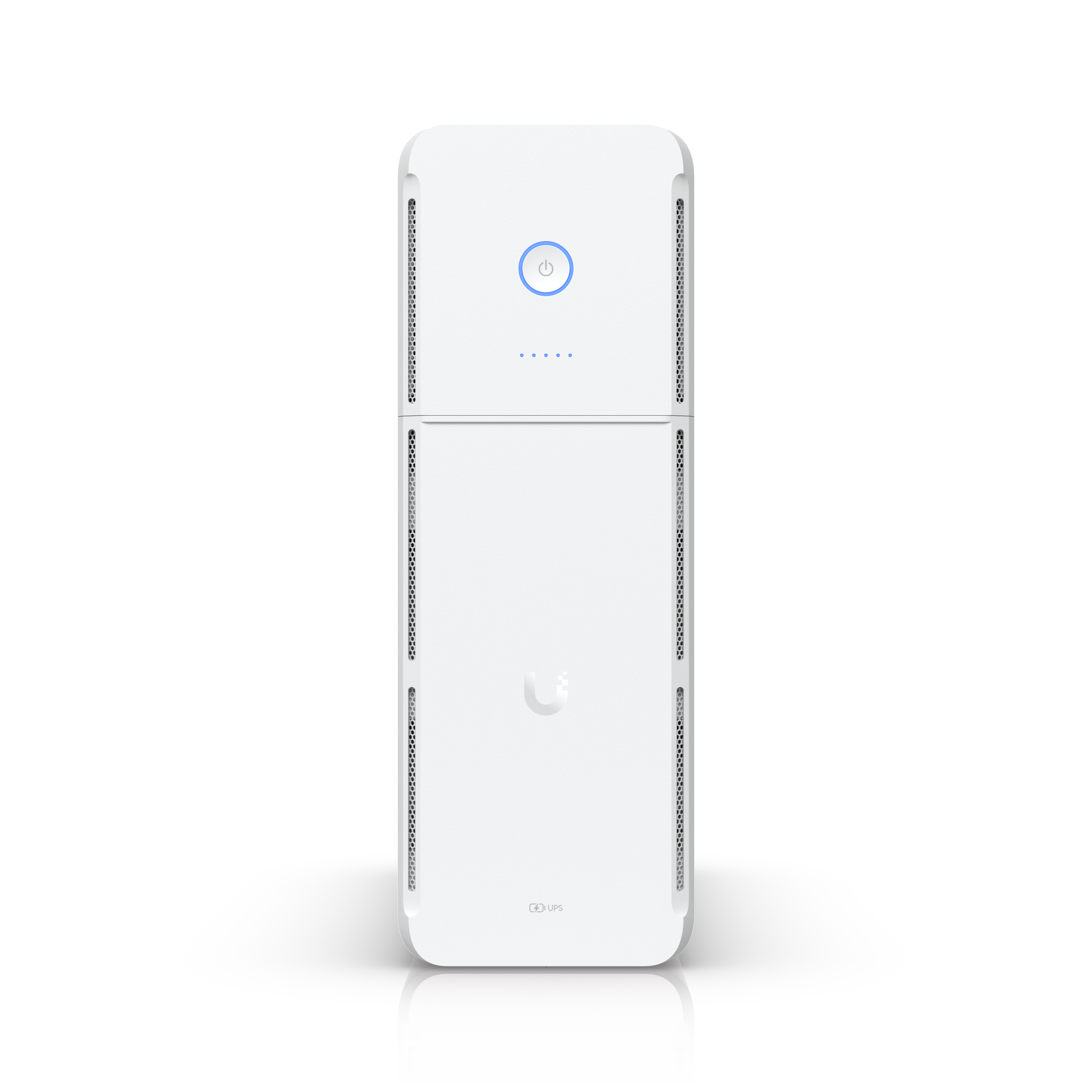 Ubiquiti UPS-TowerUPS TowerView part
On this page
Choose the console and size storageParts list and pricePlan PoE ports and powerPlace the camerasAdd SuperLink sensors and sirensSet up arm and disarm modes in Alarm ManagerSet up alerts and remote accessBack up powerAdd professional monitoringTroubleshootingTools and parts listSourcesFAQsA UniFi home security system puts cameras, door and window sensors, smoke and CO alarms, sirens and the router on one console, managed in the UniFi Protect app. This build covers a typical single-family home: doorbell, four exterior cameras, a floodlight, nine SuperLink sensors, two smoke and CO alarms, a siren and battery backup. (S1, S7, S15)
Choose the console and size storage
Pick one console that runs both your network and UniFi Protect. For a home with cameras and sensors, the Dream Machine SE is the cleanest choice: it is a 10G Cloud Gateway with one 3.5" NVR HDD bay and eight GbE LAN ports, two PoE+ and six PoE, on a 180W PoE budget. That one box replaces a separate router, NVR and PoE switch. (S1)
| Console | Fits | Why or why not |
|---|---|---|
| Dream Machine SE (UDM-SE) | This build | Router, Protect, 3.5" HDD bay and 180W of PoE in one unit (S1) |
| Cloud Gateway Max (UCG-Max) | Small homes | Compact 2.5G gateway with selectable NVR storage, but no built-in PoE, so add a PoE switch (S18) |
| Network Video Recorder (UNVR) or Cloud Key+ | Existing UniFi network | Recording only; you still need a gateway and PoE |
Install the Enterprise 8 TB HDD in the bay. (S2) Retention depends on resolution, frame rate, recording mode and motion, so run your camera count through the LV Handbook camera storage calculator before you pick a drive size.
Parts list and price
| Item | Qty | MSRP | Average Partner Price | Source |
|---|---|---|---|---|
| Dream Machine SE (UDM-SE) | 1 | $499.00 | $499.00 | Ubiquiti Store (S1) |
| Enterprise 3.5" HDD, 8 TB (UACC-HDD-E-8TB) | 1 | $379.00 | $379.00 | Ubiquiti Store (S2) |
| G4 Doorbell Pro PoE Kit, includes UP-Chime PoE | 1 | $379.00 | $379.00 | Ubiquiti Store (S3) |
| Camera G6 Turret (UVC-G6-Turret) | 3 | $597.00 | $597.00 | Ubiquiti Store (S4) |
| Camera G6 Bullet (UVC-G6-Bullet), driveway | 1 | $199.00 | $199.00 | Ubiquiti Store (S5) |
| Protect Floodlight (UP-Floodlight) | 1 | $99.00 | $99.00 | Ubiquiti Store (S6) |
| SuperLink Gateway HA (USL-G2-Gateway-HA) | 1 | $199.00 | $199.00 | Ubiquiti Store (S7) |
| Entry Sensor (USL-Entry) | 6 | $234.00 | $234.00 | Ubiquiti Store (S8) |
| Motion Sensor (USL-Motion) | 2 | $98.00 | $98.00 | Ubiquiti Store (S9) |
| Glass Break Sensor (USL-GlassBreak) | 1 | $59.00 | $59.00 | Ubiquiti Store (S10) |
| Environmental Sensor (USL-Environmental), leak | 2 | $98.00 | $98.00 | Ubiquiti Store (S11) |
| Smoke and CO Alarm (USL-Smoke) | 2 | $178.00 | $178.00 | Ubiquiti Store (S12) |
| Siren (USL-Siren) | 1 | $109.00 | $109.00 | Ubiquiti Store (S13) |
| UPS Tower | 1 | $159.00 | $159.00 | Ubiquiti Store (S14) |
| Build total | $3,286.00 | $3,286.00 |
Cat6, wall plates, mounting boxes and labor are not included.
Plan PoE ports and power
All eight UDM-SE LAN ports are used, and the draw stays well under the 180W budget. (S1)
| Port | Device | Max draw |
|---|---|---|
| 1 | G4 Doorbell Pro | 7W (S3) |
| 2 | UP-Chime PoE | 3.5W (S3) |
| 3–5 | G6 Turret ×3 | 12.5W each (S4) |
| 6 | G6 Bullet | 9.9W (S5) |
| 7 | Protect Floodlight | 12.95W (S6) |
| 8 | SuperLink Gateway HA | PoE (S7) |
Note Need more cameras later? Add a UniFi PoE switch on the SFP+ port or a LAN port. The sensors and the USL-Siren are wireless and don't use ports. (S1, S13)
Place the cameras
- Front door. Mount the G4 Doorbell Pro at the door. It has a 5MP main camera plus an 8MP package camera aimed down at the porch. Its IPX4 rating suits a covered entry. (S3)
- Corners. Put the three G6 Turrets on the back and side corners. Each is a 4K, IP66 outdoor camera with IR night vision and 3-axis adjustment. (S4)
- Driveway. Aim the G6 Bullet down the driveway. It has long-range IR and a 4K sensor. (S5) Check the field of view with the lens FOV calculator.
- Floodlight. Mount the PoE Floodlight over the driveway or back yard, so Alarm Manager can turn it on for a detection. (S6, S15)
Tip Want plate reads at a driveway gate? Use a UniFi AI LPR with an Access Gate Hub; see the UniFi LPR gate opener guide.
Add SuperLink sensors and sirens
SuperLink is Ubiquiti's long-range, low-latency wireless link for Protect sensors. Every SuperLink sensor needs a SuperLink Gateway. (S7, S8) This build uses the Gateway HA, which adds LTE and a built-in battery, so alarms keep reporting if internet or power drops. (S7)
- Doors and windows. Put Entry Sensors on each exterior door and on ground-floor windows. They report open/closed and run on battery. (S8)
- Interior motion. Put Motion Sensors in the main hallway and living room. (S9)
- Glass. Put the Glass Break Sensor in the room with the most glass. It also senses motion. (S10)
- Leaks. Put Environmental Sensors by the water heater and under the kitchen sink. They detect leaks, temperature, humidity and light. (S11)
- Smoke and CO. Install Smoke and CO Alarms per local code. They are listed to UL 217 and UL 2034 and report over SuperLink. (S12)
- Siren. Mount the USL-Siren. It's all-weather, 110 dB with emergency LED lighting, and runs on battery or DC, so it needs no cable. A PoE version, the UP-Siren-PoE, is available if you have a spare port. (S13, S19)
Set up arm and disarm modes in Alarm Manager
Each alarm in Alarm Manager has a trigger, a scope and an action. Protect triggers include person, vehicle and package detection, faces and license plates, motion, doorbell rings, and water leak, smoke and CO sensor events. Protect actions include notifications, webhooks, lights and hardware automations. (S15)
- Update. Update UniFi OS and Protect to the latest version, or the Alarm Profiles section and the Arm button won't show. (S17)
- Build the alarms. Create one alarm for door and window open, one for motion and glass break, and one for person detected on the exterior cameras. Set each action to notify you and sound the siren. (S15)
- Make the always-on alarms. Smoke, CO and water leak alarms should never depend on arm mode. Leave them always active and send them to every user. (S15)
- Create profiles. Under Alarm Manager, create an Alarm Profile such as Away (every intrusion alarm) and another such as Home (doors and windows only). Then arm and disarm from the Protect app or web UI. (S17)
- Add lights. Add a Light action so the floodlight turns on when a person is detected after dark. (S15)
- Cut noise. Narrow each alarm to specific devices, use schedules, and turn on Ignore Repeated Actions. (S15)
Set up alerts and remote access
In Alarm Manager, Notify sends push alerts by default. Email delivery is turned on per user under My Notifications. (S15) Install the UniFi Protect app on each family member's phone, and give each person their own account so alerts and arming are logged by name.
Back up power
Plug the UDM-SE into a backup outlet on the UPS Tower. It is a 1 kVA UniFi managed UPS with five backup outlets and five surge outlets. Its 108 Wh hot-swappable battery runs about 7 minutes at a 300W half load. (S14) The SuperLink Gateway HA adds its own battery and LTE path for alarm signaling. (S7)
Add professional monitoring
Ubiquiti has announced professional alarm monitoring powered by Noonlight for UniFi Protect 7.4. It adds keypad arm/disarm, 24/7 agent review and emergency dispatch, with the SuperLink Gateway HA providing a cellular backup path. It will be US only; other regions can use SIA DC-09 to report to a central station. (S16) Some cities require an alarm permit for monitored systems, so check before you turn it on. (S16)
Dealers adding monitoring can compare options in the video monitoring for dealers guide and the wholesale central stations guide.
Troubleshooting
| Symptom | Likely cause | Fix |
|---|---|---|
| No Arm button in Protect | Old firmware or no Alarm Profile | Update UniFi OS and Protect, then create a profile (S17) |
| Sensors won't adopt | No SuperLink Gateway | Adopt the gateway first; every sensor requires one (S8) |
| Camera reboots or won't power | Port or budget issue | Check the port table and the 180W budget (S1) |
| Too many alerts | Wide scope | Narrow the scope, add schedules, enable Ignore Repeated Actions (S15) |
Test every sensor, siren and alert with the household before you rely on the system.
Tools and parts list
- Cat6 and RJ45 connectors for every camera, doorbell, floodlight and gateway run
- Cable tester; see the ultimate low voltage tech tool list and the security tech tool list
- Drill, fish tape and exterior-rated sealant
Sources
- Ubiquiti Store: Dream Machine Special Edition (UDM-SE) specsstore.ui.com · pulled Oct 25, 2026
- Ubiquiti Store: Enterprise 3.5" HDD, 8 TB (UACC-HDD-E-8TB)store.ui.com · pulled Oct 25, 2026
- Ubiquiti Store: G4 Doorbell Pro PoE Kit specsstore.ui.com · pulled Oct 25, 2026
- Ubiquiti Store: Camera G6 Turret (UVC-G6-Turret) specsstore.ui.com · pulled Oct 25, 2026
- Ubiquiti Store: Camera G6 Bullet (UVC-G6-Bullet) specsstore.ui.com · pulled Oct 25, 2026
- Ubiquiti Store: Protect Floodlight (UP-Floodlight) specsstore.ui.com · pulled Oct 25, 2026
- Ubiquiti Store: SuperLink Gateway HA (USL-G2-Gateway-HA)store.ui.com · pulled Oct 25, 2026
- Ubiquiti Store: Entry Sensor (USL-Entry)store.ui.com · pulled Oct 25, 2026
- Ubiquiti Store: Motion Sensor (USL-Motion)store.ui.com · pulled Oct 25, 2026
- Ubiquiti Store: Glass Break Sensor (USL-GlassBreak)store.ui.com · pulled Oct 25, 2026
- Ubiquiti Store: Environmental Sensor (USL-Environmental)store.ui.com · pulled Oct 25, 2026
- Ubiquiti Store: Smoke and CO Alarm (USL-Smoke)store.ui.com · pulled Oct 25, 2026
- Ubiquiti Store: Siren (USL-Siren)store.ui.com · pulled Oct 25, 2026
- Ubiquiti Store: UPS Towerstore.ui.com · pulled Oct 25, 2026
- Ubiquiti Help Center: UniFi Alarm Managerhelp.ui.com · pulled Oct 25, 2026
- Ubiquiti Help Center: Professional Alarm Monitoring Powered by Noonlighthelp.ui.com · pulled Oct 25, 2026
- Ubiquiti Community: Protect Arm / Disarmcommunity.ui.com · pulled Oct 25, 2026
- Ubiquiti Store: Cloud Gateway Max (UCG-Max)store.ui.com · pulled Oct 25, 2026
- Ubiquiti Store: Siren PoE (UP-Siren-PoE)store.ui.com · pulled Oct 25, 2026
FAQs
Can UniFi be used as a home alarm system?
Yes. UniFi Protect supports SuperLink entry, motion, glass break, leak and smoke/CO sensors, sirens, and armed modes through Alarm Profiles in Alarm Manager. (S8, S12, S13, S17)
Does UniFi offer professional monitoring?
Ubiquiti has announced professional monitoring powered by Noonlight for UniFi Protect 7.4, US only. Other regions can use SIA DC-09. (S16)
Do UniFi Protect sensors need a hub?
Yes. SuperLink sensors require a SuperLink Gateway. (S8)
Does UniFi Protect have a monthly fee?
Recording, alerts and Alarm Manager run locally on your console. Professional monitoring through Noonlight is a separate service. (S1, S15, S16)
Which UniFi console is best for a home security system?
A Dream Machine SE runs the network and Protect, has a 3.5" HDD bay and 180W of PoE for the cameras. (S1)
Will UniFi alarms work if the internet goes down?
The SuperLink Gateway HA has LTE and a built-in battery for backup, and the UPS keeps the console running. (S7, S14)
Does UniFi have smoke and CO detectors?
Yes. The SuperLink Smoke and CO Alarm is battery-powered and listed to UL 217 and UL 2034. (S12)
Did this page help you?
Thanks for the feedback.